Single Products

GV-LPR

Key Features:

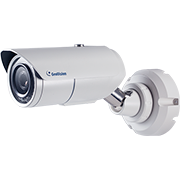
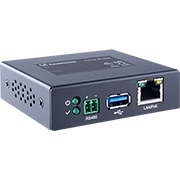
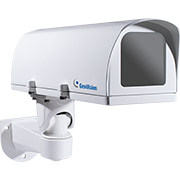
  • Supports up to 255 units of GV-DSP LPR, Edge GV-IP LPR Cameras, and PC-based GV-DVR/VMS LPR systems.
  • Allows up to 8 recognition channels per GV-DVR LPR / GV-VMS LPR.
  • Supports a database of up to 100,000 vehicle records.
  • Provides up to 100 concurrent web browser connections.
  • Multiple vehicles can be tracked per user.
  • Import and export vehicle data in Access or Excel file formats.
  • Vehicle hotlist for identifying stolen vehicles or other vehicles of interest.
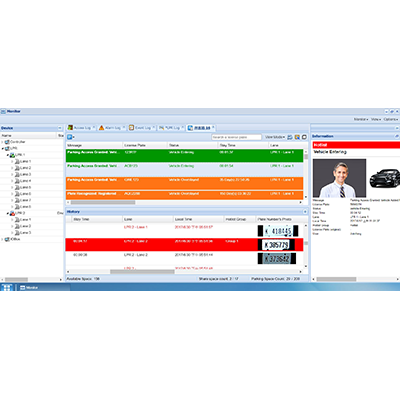
  • Parking lot management features, including vehicle access control, parking space availability, parking duration, anti-passback, and shared parking.
  • Event notifications via email, alarm, trigger recording, push notifications, and popup messages.
  • Remotely access LPR settings and logs via GV-ASWeb.
  • The GV-Access mobile app enables remote monitoring, alert management, parking gate control, and live video viewing.
  • Available in multiple languages, including English, French, Hebrew, Japanese, Persian, Polish, Portuguese, Russian, Serbian, Spanish, Traditional Chinese, and Turkish.
  • PC-based LPR with Deep Learning (DL) engine support in multiple regions, including Europe, the USA (California, Georgia), and several other countries like France, Germany, Israel, and Vietnam.

Description

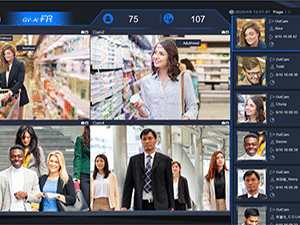
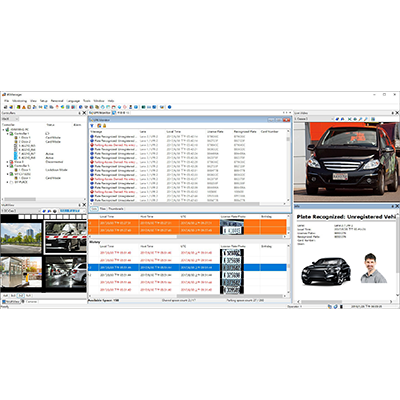
GV-ASManager offers an advanced GeoVision License Plate Recognition (LPR) system, providing an effective vehicle access and security solution. This LPR function can detect and compare license plates from connected video sources with those stored in the GV-ASManager database, enabling various access control mechanisms, including stay time tracking, area monitoring, and more. The system also offers convenient utilities like GV-ASWeb, allowing remote access to configurations, databases, event snapshots, and recordings for improved security and flexibility.

Note:
The GV-Access mobile app is not compatible with live view access for the ABD1300, ABL1300, or ADR1300 cameras when connected to GV-ASManager. To view the live feed from these cameras, they must be connected to a GV-DVR, NVR, or VMS system for live streaming on GV-Access.